TravelApps
A well-set-up phone is a guide, an interpreter, a map and a wallet. A badly set-up one is an expensive flashlight. Build this kit before the flight.
The 6 Essential Apps of Every Trip
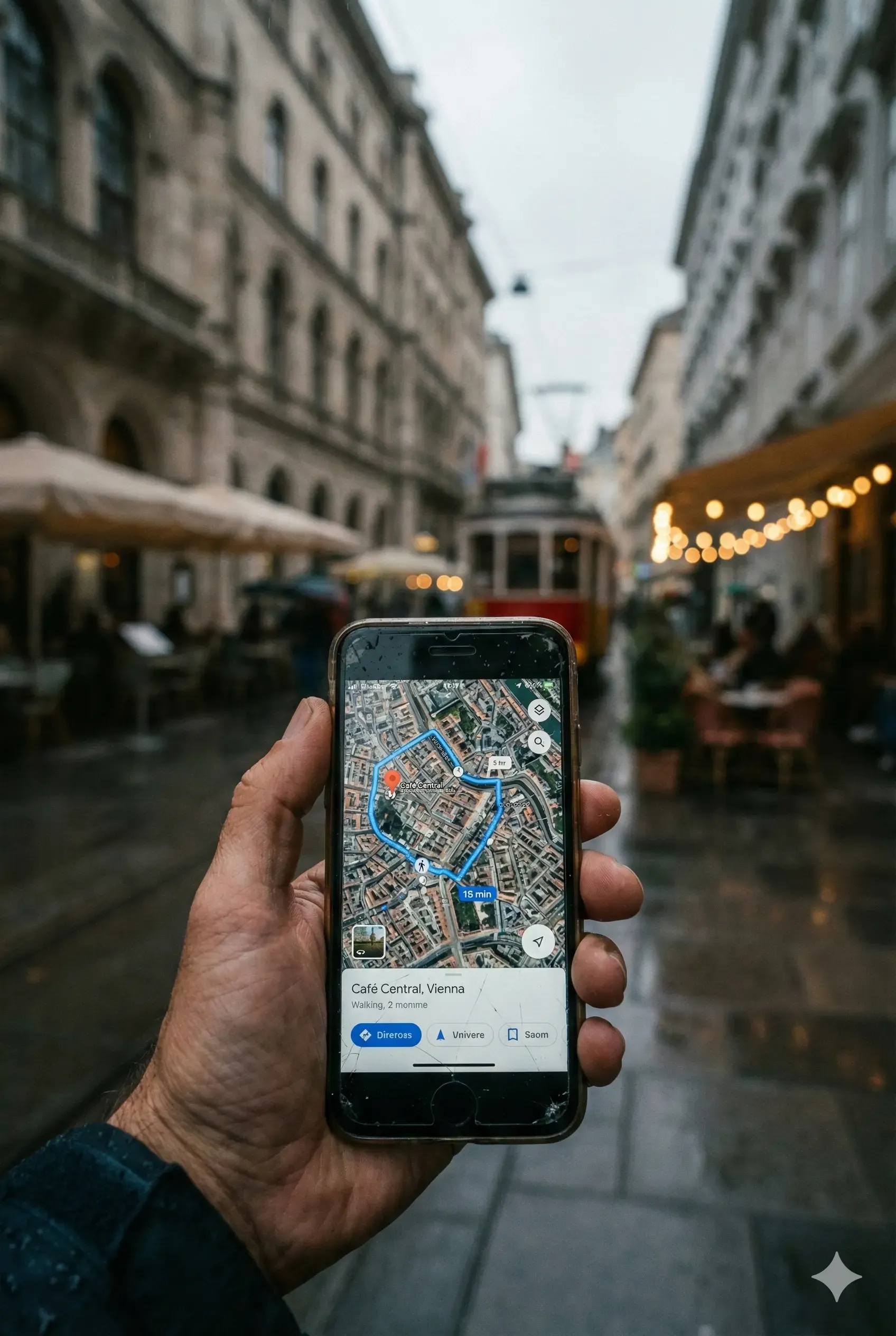
Maps: Google Maps + Organic Maps
Use Maps' offline area download before leaving. On hiking/nature routes, Organic Maps (OpenStreetMap) sees trails that city maps do not.
Translation: Google Translate
Download the language pack; camera mode reads menus/signs, conversation mode does the bargaining. Add Papago for Asia.
Flights: Google Flights + Flightradar24
Price alerts in Flights; delay/gate tracking in Flightradar. The airline's own app is a must for check-in and change notifications.
Accommodation: Booking + Hostelworld
Sort reviews by date and look at the last 3 months. Choosing from the map is the fastest test of neighborhood safety.
Internet: eSIM (Airalo/Holafly)
Set up before landing, working the moment you land. If you insist on a physical SIM, wait for the official carrier store in the city, not the airport.
Money: Wise + your bank's app
Wise offers conversion close to the real rate and multi-currency accounts; do not forget to notify your bank about traveling abroad.
The 30-Minute No-Internet Insurance
Battery strategy
Maps + camera + data kill the battery by noon. Make the trio of power-saving mode + powerbank (in hand luggage!) + opportunistic cafe charging a habit.
The Apps That Set Insiders Apart
In-city: Moovit / local app
For public transport routing and ticketing, local apps (e.g. Naver Map in Seoul, Japan Travel in Japan) beat the global ones. Research before landing.
Food: the local review app
A Google review is a tourist review; a 4.5 on the app locals use says something very different (e.g. Tabelog/Naver).
Weather: Windy
Hourly wind/rain layers for mountain, sea and city plans; it corrects every decision from picnics to ferries.
Security: VPN
A VPN should be standard for banking on public Wi-Fi; it also gets around access restrictions in some countries (mind local law).
Which Kit for Which Traveler?
Flight hunter
Skyscanner (cheapest destination via the "Everywhere" search), Kiwi.com (combines different airlines on one ticket; use knowing the connection risk), Hopper (price prediction: wait/buy signal), Flightradar24 (delay and gate tracking).
Overlander
Rome2Rio (every transport combination from A to B), Omio (European train/bus tickets), FlixBus, 12Go (Southeast Asia's ticket engine), BlaBlaCar (intercity ride sharing).
Hiker
AllTrails (route + difficulty + fresh reviews), Organic Maps / Maps.me (offline trails), Windy (mountain weather), PeakFinder (peak identification).
Digital nomad
Speedtest (measure the internet before renting), Wise (multi-currency account), NomadList (city cost comparison), time zone widgets (the end of missed meetings).
Volunteer & backpacker
Workaway / Worldpackers (volunteering for accommodation), Couchsurfing / BeWelcome (staying with locals), Hostelworld (dorm reviews), iOverlander (camp and parking spots).
The practical arsenal
Splitwise (splitting group costs), XE (exchange rates), PackPoint (smart packing list), TripIt / Wanderlog (gathers reservations in one flow), Flush (nearest toilet; we are serious).
Beware of app bloat
The goal is not 40 apps, it is 10-12 that work. Pick one per category and test it before the trip; learning an app on the road is the most expensive lesson.
Frequently Asked Questions
On a short trip, eSIM (ready before landing, no passport registration hassle); for stays of 3+ weeks the local carrier's tourist package is usually cheaper. Check your phone's eSIM support before leaving.
With a few exceptions, yes; it is restricted in China and walking navigation is weak in South Korea (use Naver Map). Ask the "is there a local map app" question in advance.
Travelling with your own handset and line needs no registration anywhere. What varies is importing a device: several countries — Türkiye and India among them — register handsets by IMEI and start charging after a grace period. If you plan to stay long enough to buy a local phone, check that country's import rule first.
Sources and Useful Addresses
- • The apps' official store pages (App Store / Google Play)
- • Consular Call Center: +90 312 292 29 29
Important: this content is general information
Visa rules can change without notice. Always confirm your situation with an official source before you travel: Also check with the embassy or consulate of your destination country in your own country. The information on this page is guidance, not legal advice.